§ 01Intake
Event-driven intake.
Configure event sources and webhooks (HRIS, ServiceNow, messaging, and more) to start the right case automatically, with the trigger payload mapped onto case data from the first moment.
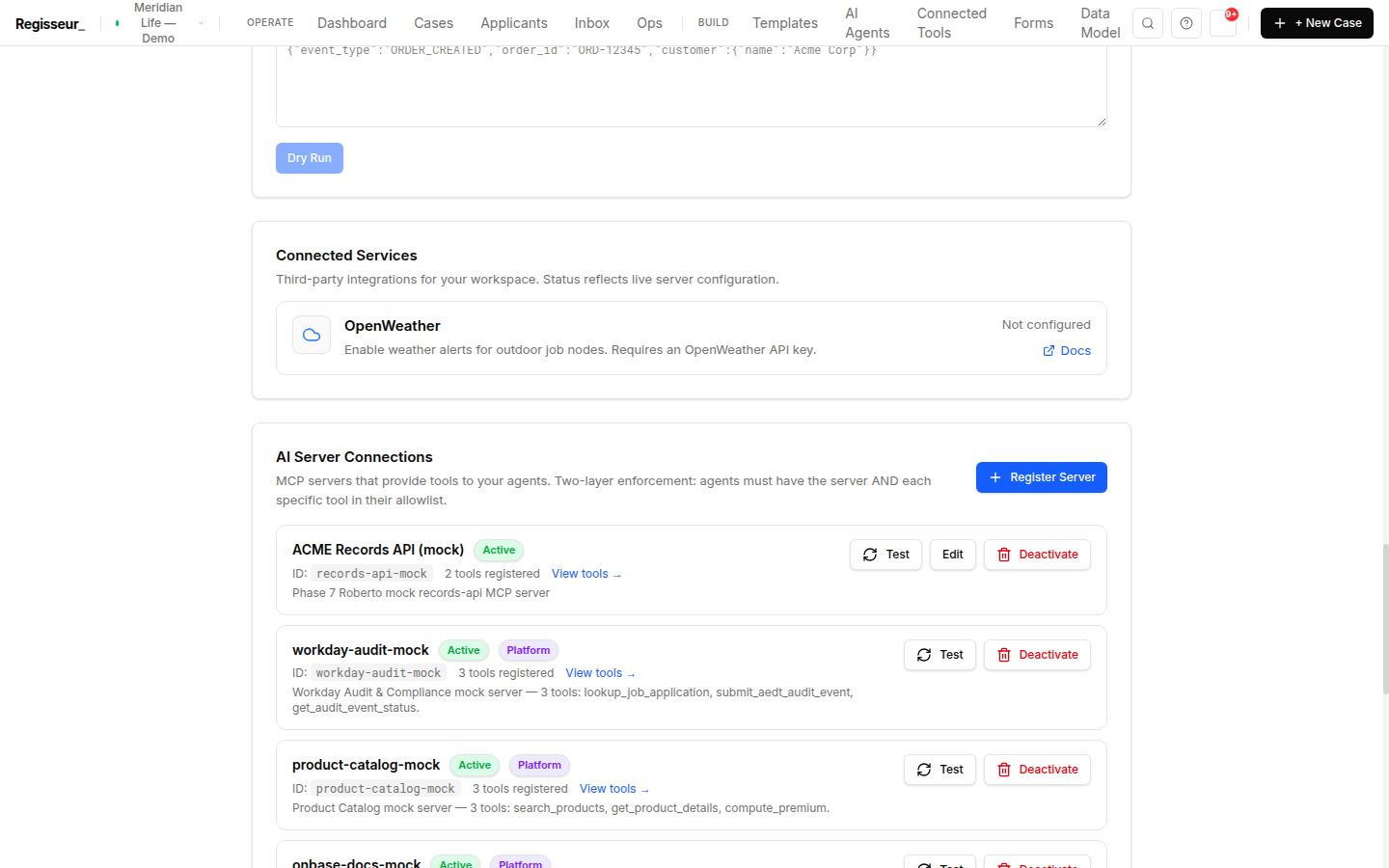
An HRIS webhook, a ServiceNow ticket, an inbound SMS, a form submission. Once it’s running, Regisseur reaches out on the right channel, and chases the response so a person doesn’t have to.
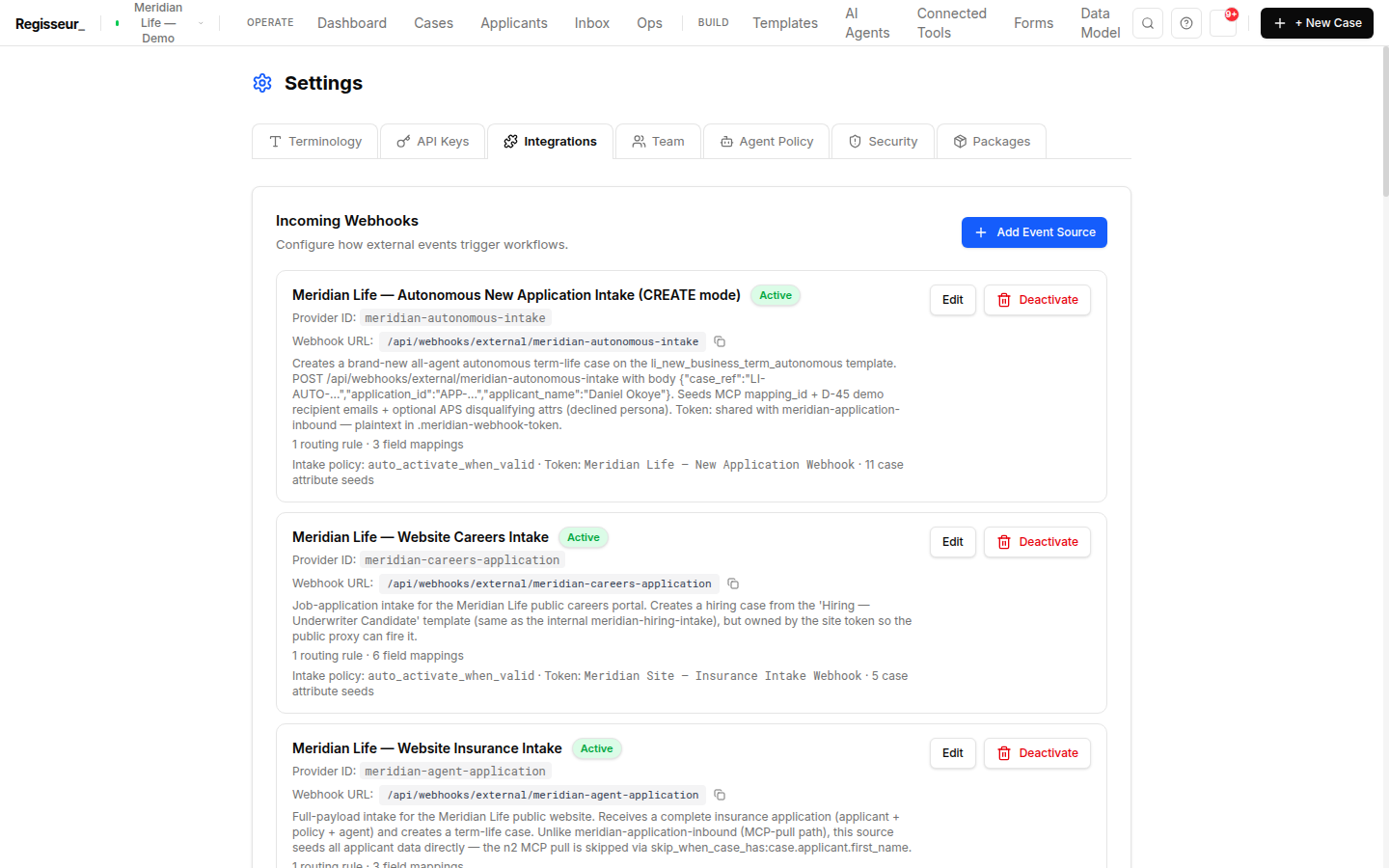
Configure event sources and webhooks (HRIS, ServiceNow, messaging, and more) to start the right case automatically, with the trigger payload mapped onto case data from the first moment.
Cases reach out over email and SMS, and message-correlated replies route back to the right case, through your own providers: SMTP / Microsoft Graph / SendGrid, Twilio / REST gateway.
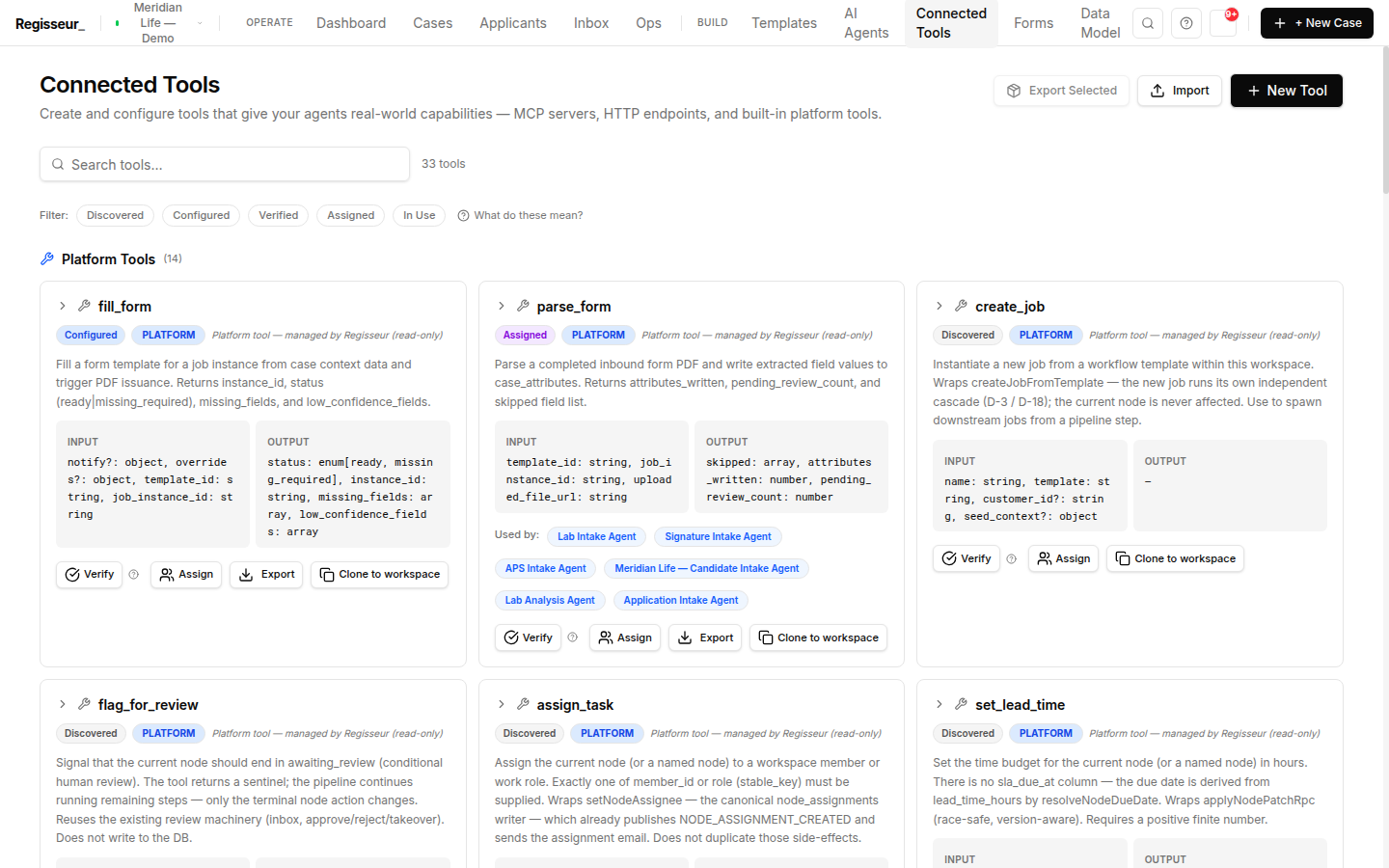
When a case is waiting on an outside party, an autonomous follow-up agent chases the response on a schedule (under review where review is required) instead of leaving a person to remember to nudge.
Bring the event that should start the work: a webhook, a ticket, an inbound message. We'll wire the intake, map the payload onto case data, and show the follow-up agent chasing the outside party on schedule.